Why this lesson matters
This lesson matters because browser power is useful only when it is paired with careful habits and a clear respect for safety boundaries.
Browser operations and credential safety
How OpenClaw's browser profile works, why manual login is recommended, and where sandboxed automation can trigger unnecessary risk.
Anyone planning to touch authenticated websites, web research, or browser-driven workflows.
Why this lesson matters
This lesson matters because browser power is useful only when it is paired with careful habits and a clear respect for safety boundaries.
Learning goals
Prerequisites
How to use this lesson
Start with the key ideas, work through the action steps, then use the mistakes, notes, and assignment to turn the lesson into a repeatable habit.
Action steps
Introduce the managed browser as a separate work lane for automation rather than a replacement for a personal browsing profile.
The learner should leave this step understanding that browser separation is part of the safety model, not an optional convenience setting.
Teach learners to authenticate by hand and continue automation only after the session is in the right state.
This is a discipline lesson as much as a browser lesson. It normalizes the idea that some high-risk steps should remain manual even in an agentic workflow.
Show that some sites will push back against sandboxed automation and that this is a cue for more caution, not more aggression.
Instead of teaching workarounds, teach escalation paths: host browser use, slower flows, and explicit human review.
Teach the learner to ask what state the browser is currently in before assuming the next action is valid: logged out, logged in, challenged, or browsing the wrong context.
This strengthens troubleshooting and reduces the temptation to solve every browser issue with more force or more prompt complexity.
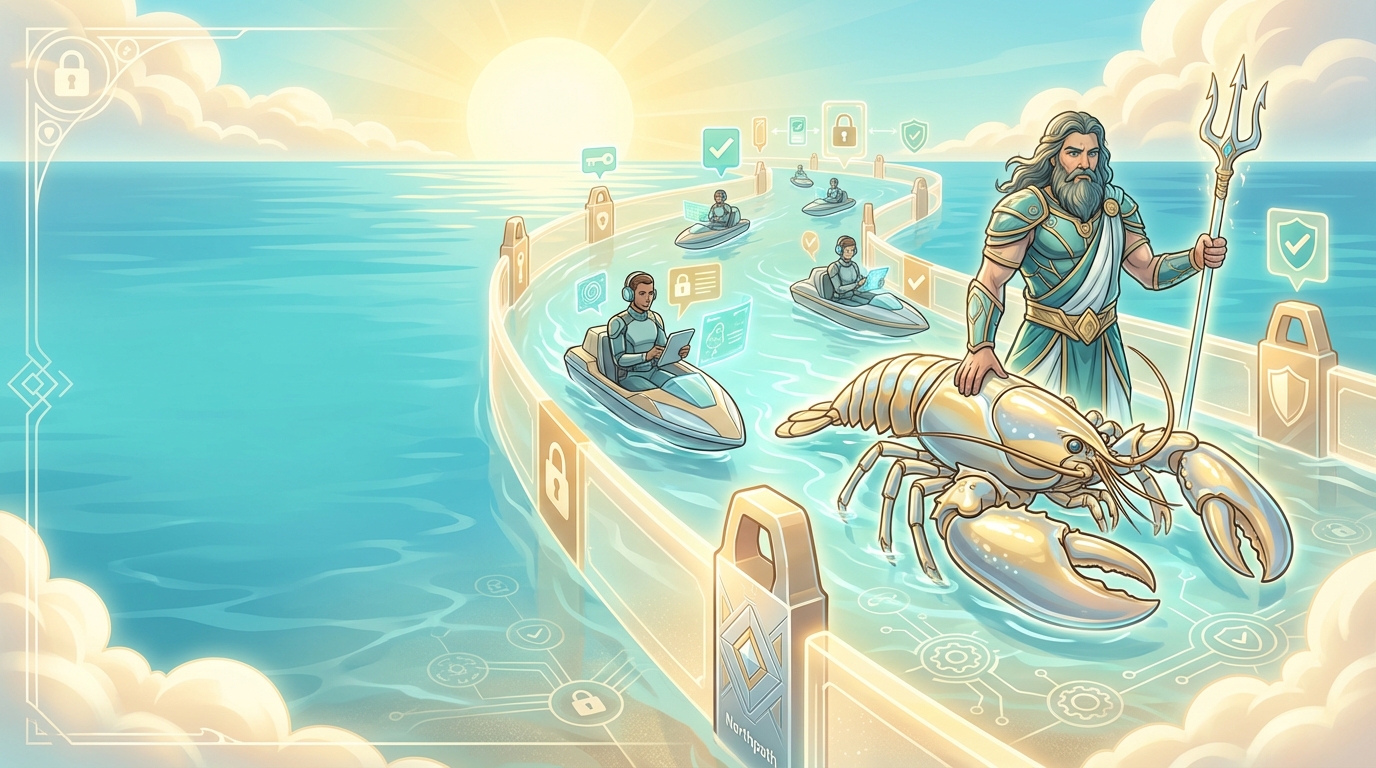
The browser docs explain that OpenClaw can operate a dedicated browser profile rather than touching your everyday personal profile. That separation is part of the safety model, not just a convenience feature.
The right framing is that the browser is a controlled work lane. It is where agent automation happens without mixing into your normal browsing context.
The login guidance is explicit: when a site requires authentication, log in manually and do not hand credentials to the model. The docs also note that automated logins can trigger anti-bot systems or lock accounts.
That recommendation should be a fixed part of this site's educational tone. It is one of the clearest examples of responsible AI operations being slower, more explicit, and safer than the shortcut many beginners expect.
The docs call out that sandboxed browser sessions are more likely to trigger bot detection on strict sites and recommend the host browser path for sensitive login-heavy platforms. The practical lesson is not 'automate everything'. The lesson is 'respect platform friction and keep a human in the risky steps'.
For business builders, that keeps the tool useful without training people into bad habits that create account, compliance, or trust problems later.
A subtle but important browser lesson is that session state matters. Whether a user is logged in, challenged by bot detection, or sitting on the wrong profile changes what the tool can safely do next.
Teaching this explicitly helps people stop blaming the model for every browser problem. Sometimes the issue is not the prompt. It is the state of the session and the trust assumptions around it.
Common mistakes
Practical notes
A cautious browser-operations stance helps readers build safer habits before they automate anything sensitive.
Reliability improves when the risky parts of a browser workflow stay visible, deliberate, and easy to review.
Assignment
Key takeaway
OpenClaw's browser power is useful only when it is paired with strong human judgment around identity, session state, and platform sensitivity.
Official sources
In this course
Related guides
Read the related guide and course overview if you want broader context around safety, workflow design, and the rest of the learning path.
Previous lesson
What the Gateway does, how the Control UI connects, and why customization should live outside the main repo.
Go to previous lessonNext lesson
The guardrails behind approvals and pairing, and how they shape responsible command execution in OpenClaw.
Continue to next lesson