Continue learning
OpenClaw tutorials and operational safety
OpenClaw for business builders: setup boundaries before automation
A framing guide for using OpenClaw responsibly as part of a business workflow rather than as a shortcut machine.
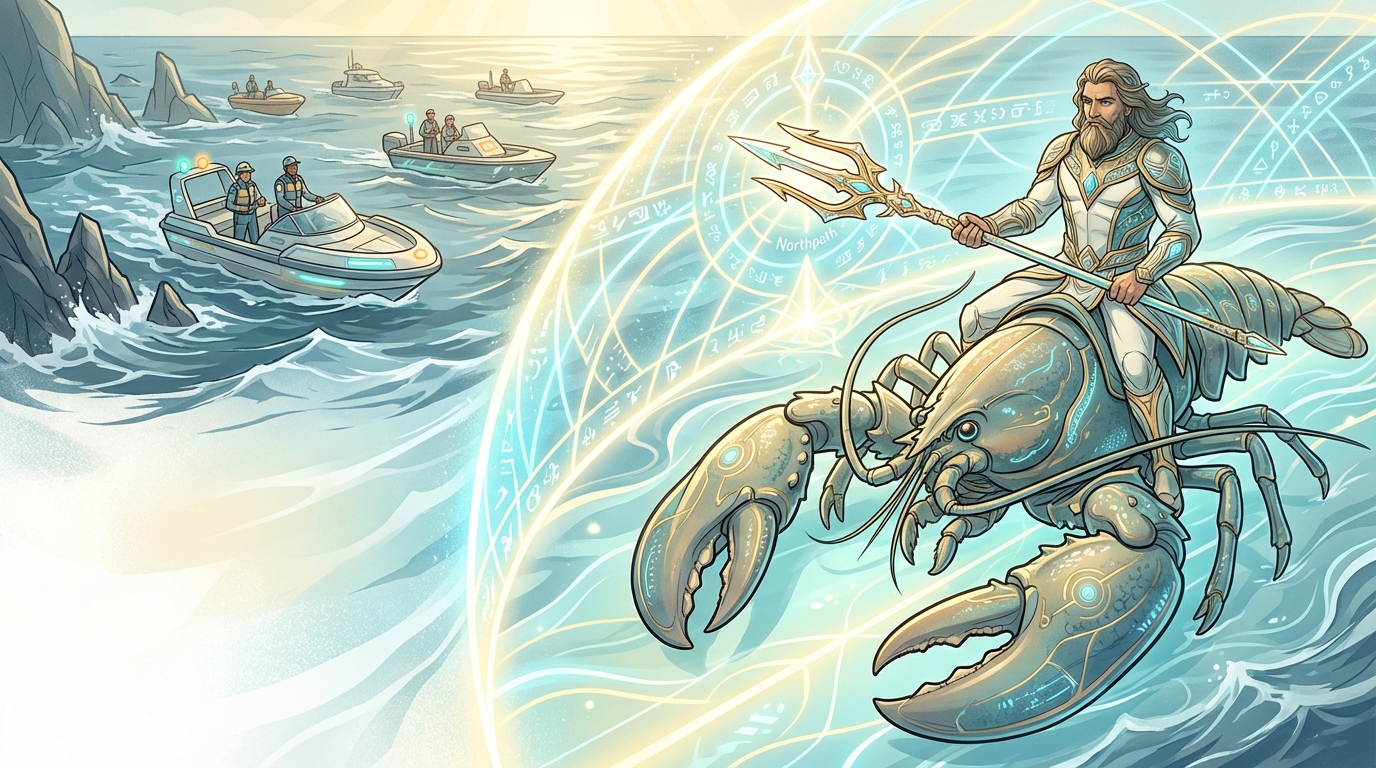
Treat capability as responsibility
OpenClaw is powerful because it can act across systems, files, and browsers. That is also why business use requires clear boundaries before any automation goes live.
The first setup step should be deciding what the system is allowed to do, where it can act, and which tasks still require human review.
Design safe first workflows
The safest first workflows are internal and reversible: summarizing research, organizing notes, preparing drafts, or templating routine operations. They keep human approval in the loop while still saving time.
Avoid starting with workflows that impersonate people, violate site rules, or automate sensitive external actions without review.
Document your source of truth
Every automation should point back to an approved checklist, folder structure, or operating procedure. That prevents the tool from becoming a black box and makes it easier to maintain as your business expands.
This is the difference between a useful business system and a brittle experiment.
Related guides
More guides for the next step
Free next step
Turn this guide into a structured learning path
If you want a more guided sequence instead of a standalone article, the free course brings the OpenClaw material into a clearer lesson order with setup, browser safety, approvals, and execution habits.
Paid next step
Go deeper with the paid playbook library
When you are ready for more structured implementation material, the product library is where NorthPath AI will publish paid ebooks, playbooks, and downloadable assets.
Use this guide responsibly
Example architectures and stack components on this page are for learning and planning. Always verify runtime, container, and provider details against the latest official documentation before deploying anything in a real environment.