NPNorthPath AICanadian context, practical AI work, and steadier career rebuilding.

Content and growth workflows

OpenClaw Presentation Master guide: slide generation and presentation workflow support

Practical skill guideopenclaw presentation masterOriginal source included

A practical guide to Presentation Master for teams turning notes, research, or updates into clear slide-based communication.

You do not need to read every page manually. Paste this URL into AI tools such as ChatGPT, Gemini, OpenClaw, or another agent, then use this prompt:

Read this page carefully, summarize the key points, and guide me through the next decision step by step. I want to ask follow-up questions in conversation, and you can also help turn the material into reusable GPTs, Gems, or skills if useful.
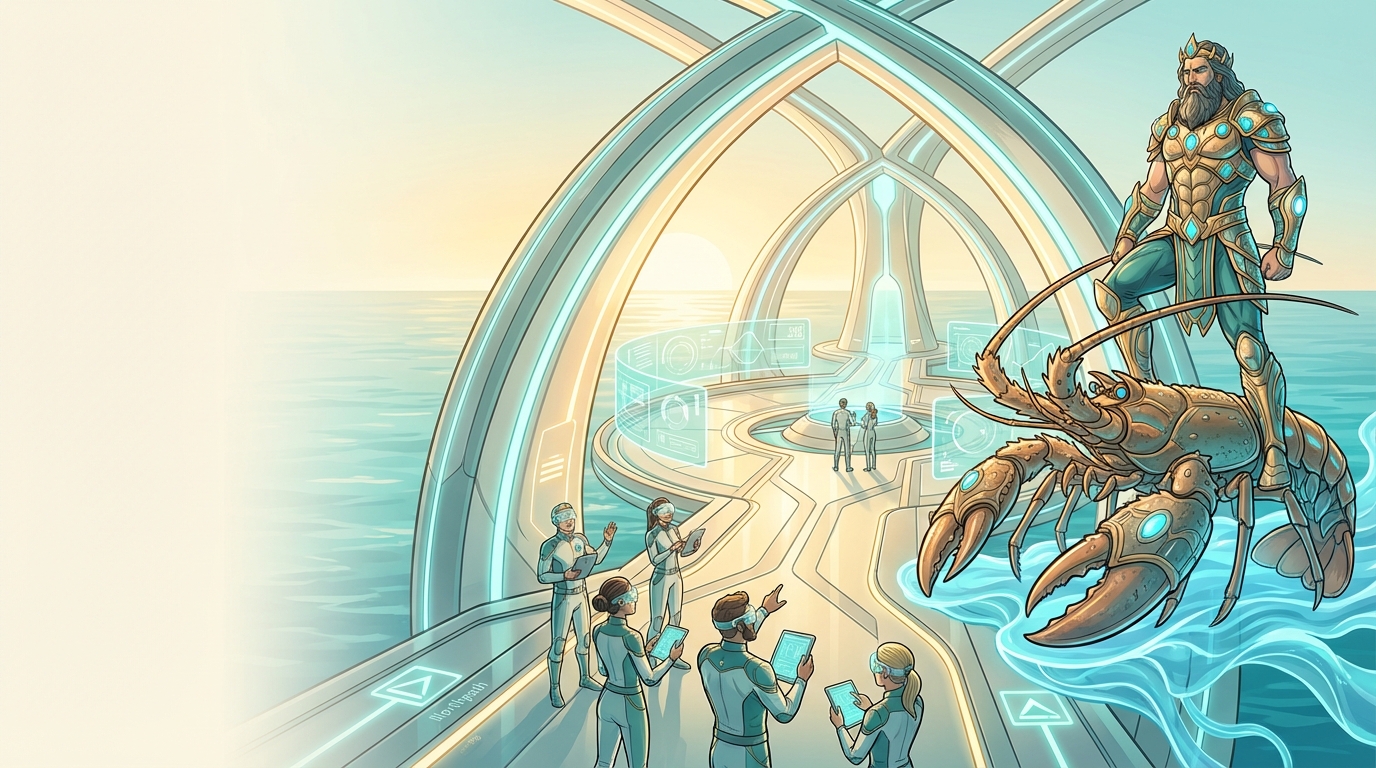
Poseidon and a giant lobster represent Presentation Master inside a bright OpenClaw workflow scene.
A Poseidon-themed illustration used as the lead image for Presentation Master inside the OpenClaw skills section.

Original source

Check the current ClawHub listing before you install it.

Before you use this OpenClaw skill in real work, review the current listing, files, and runtime notes so you can confirm setup steps, dependencies, and scope.

Open the current listing

Workflow fit

Where Presentation Master fits in real work

Presentation Master belongs near the communication end of a workflow, where analysis or planning needs to become something a human audience can use quickly.

Why builders use it

  • Helps transform raw material into clearer slide-based communication.
  • Supports repeatable presentation workflows for teams and operators.
  • Pairs well with product, data, and blog-oriented skills.

Best use cases

  • Turning research or product notes into deck structure.
  • Preparing internal updates or client presentations.
  • Supporting teams that frequently communicate through slides.

How this skill fits into a broader workflow

Presentation Master belongs near the communication end of a workflow, where analysis or planning needs to become something a human audience can use quickly.

If you are comparing several OpenClaw skills at once, the most useful question is not which one sounds impressive. The better question is where it removes friction in a real operating sequence and what other skills need to sit beside it.

Caution before you adopt this skill

A slide deck should clarify thinking, not hide it. The skill helps with structure, but the message still needs human judgment and editing.

The current listing is still the safest place to confirm files, configuration, and integration details before you commit this skill to a real workflow.

Next reading

Compare this skill with the broader OpenClaw operating picture

If you want the wider picture around OpenClaw setup, safety, and workflow design, read the guide below before deciding how this skill fits into your stack.